How to get pejuang on your device
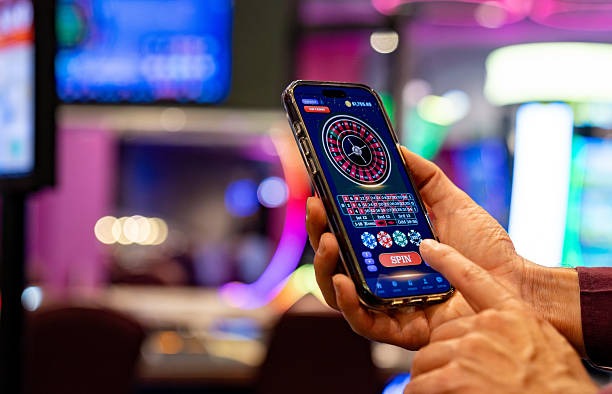
We provide three main paths to access pejuang on mobile. The Android APK is our native app for Android phones; the iOS option works through your browser on iPhones and iPads; and our web app runs on any modern browser. Each method gives you the same account, the same games, and the same payment options—choose whichever suits your device best.
Installation steps
-
1
Download the pejuang app or open our siteStep 1
For Android, download the APK file from our platform; for iOS, visit pejuang.app in Safari; for web, use any browser.
-
2
Install or add to home screenStep 2
Android: tap Install; iOS: tap Share and select Add to Home Screen; Web: bookmark or save the shortcut.
-
3
Open pejuang and log inStep 3
Enter your pejuang username and password, or create a new account if you're joining us for the first time.
-
4
Start exploring games and marketsStep 4
Browse our slot games, live tables, and football markets; deposit using DANA, e-wallet, or another local method; and enjoy your pejuang experience.

App versus browser: which is right for you?
Our pejuang app for Android offers offline caching, so you can browse games and view your account balance even without an internet connection. Push notifications alert you to live football matches, tournament schedules, and special offers. The app also loads faster than a browser on slower connections, and it integrates with your phone's home screen for quick access. If you're in Bandung or Medan and experience network delays, the app's local cache keeps the interface responsive. On iOS, we recommend using the web app through Safari, which gives you similar speed and reliability without requiring a separate download.
Device compatibility
We support Android 7.0 and later on phones and tablets. For iOS, you'll need iOS 12 or later on your iPhone or iPad. Our web app works on any modern browser—Chrome, Safari, Firefox, or Edge—on devices running Android 5.0+, iOS 10+, or any desktop operating system. If your device is older than these versions, we recommend updating your operating system or using a different device to access pejuang.
Troubleshooting installation issues
If you see a warning about "unknown sources" on Android, go to Settings > Security and enable installation from unknown sources, then retry the APK download. On iOS, if the web app doesn't save to your home screen, try clearing your Safari cache and restarting your phone. If the app crashes after installation, uninstall it, restart your device, and download the latest version from our platform. For persistent issues—such as login failures or payment errors—our support team is available during business hours to help you troubleshoot. We handle account recovery and KYC document verification through our support channels, so don't hesitate to reach out if you're stuck.

Data, permissions, and account security
When you install our pejuang app, we request permissions to access your device's storage (for caching game data and images) and to send you notifications about matches and offers. We do not access your contacts, camera, or location without your explicit consent. Your account credentials are encrypted in transit and at rest; we use industry-standard security practices to protect your personal and payment information. During account setup, we verify your identity through KYC (Know Your Customer) documents—this is a legal requirement in our supported jurisdictions. Your data is never shared with third parties except where required by law or to process your payments through our banking partners.